 Pttrns

If you’re trying to select all elements in Canva, you can do it in multiple ways. While each approach has different perks, we suggest checking out all of them as they come in handy in different design situations.
What we cover
Using Ctrl + A
If you have been using Text editors, you must have used the keyboard shortcut – Ctrl+A to select all the text in the document. While this shortcut is most used with text editors, it is adapted by multiple applications, including design tools like Canva.
- Start by opening the design you’re working on and wait for it to load fully.
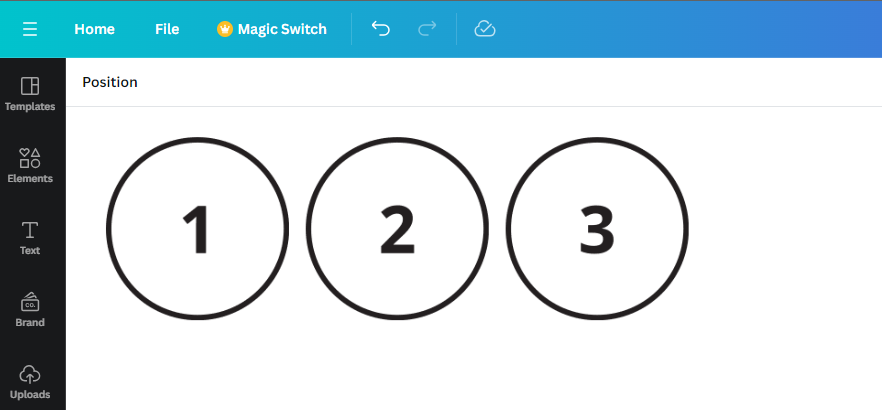
- Now, navigate to the design and click on Ctrl + A to select all the elements of the design.
Using the Left Mouse Button
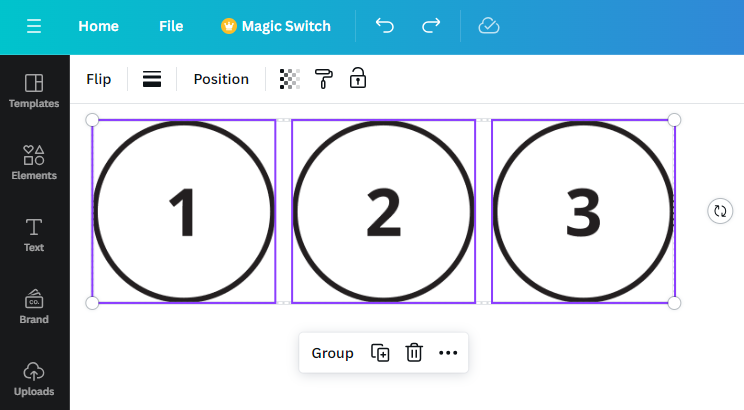
For as long as we can remember, the left mouse button has always been the way to select. Similar to the Ctrl+A keyboard shortcut, using the left mouse button has been adopted by multiple applications, and here is to use it for selecting elements on Canva:
- Begin by opening the design you’re working on and wait for the elements to load fully.
- Next, drag the cursor over the elements by clicking the left mouse button to select. If you do it right, you will see a violet box wrapped over all the ones you have chosen.
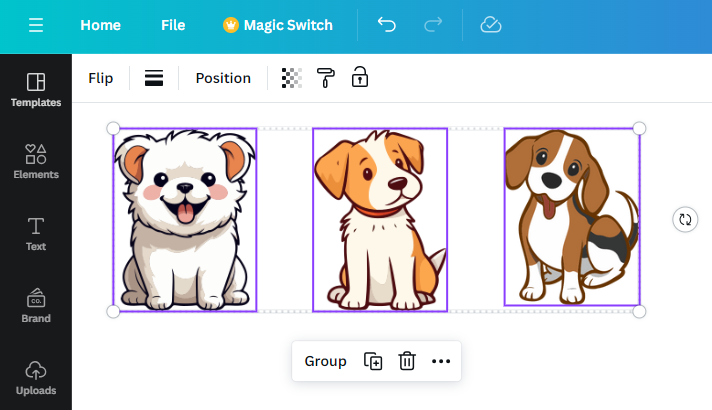
While the above approaches work exceptionally well at selecting all elements, they can interfere with the background.
Starting with the Ctrl + A approach, the biggest issue is the background gets selected alongside the elements. On the other hand, if you try to select the elements by dragging the cursor, it interferes with the background instead of selecting the elements.
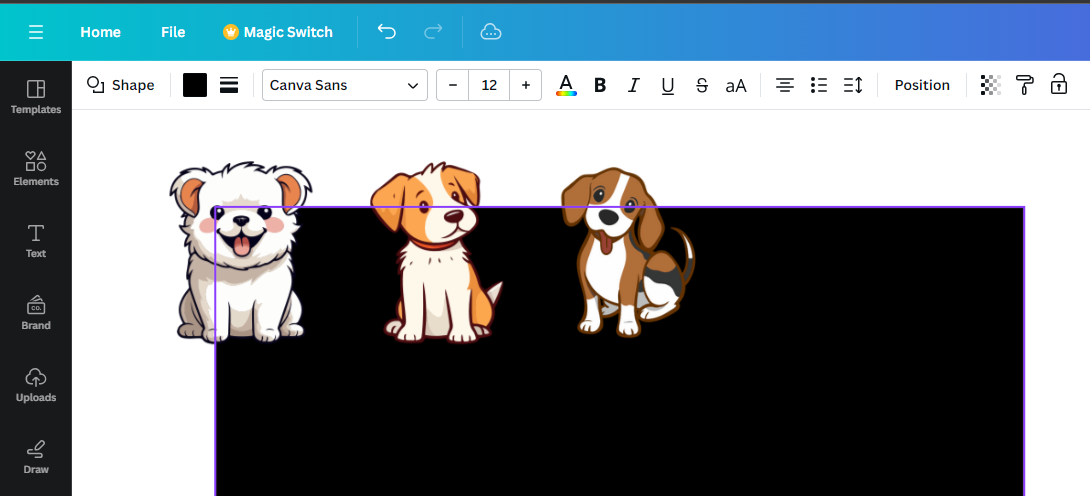
While you can avoid the scenario by locking the background, it can be a hassle if you’re dealing with multiple layers.
To prevent such issues, follow the below approach, where you can select multiple elements manually without interfering with other elements/layers of the design.
- Start by opening the design you’re working on and wait for it to load fully.
- Next, navigate to the elements, hover the cursor, and left-click each element individually while holding the Shift key.
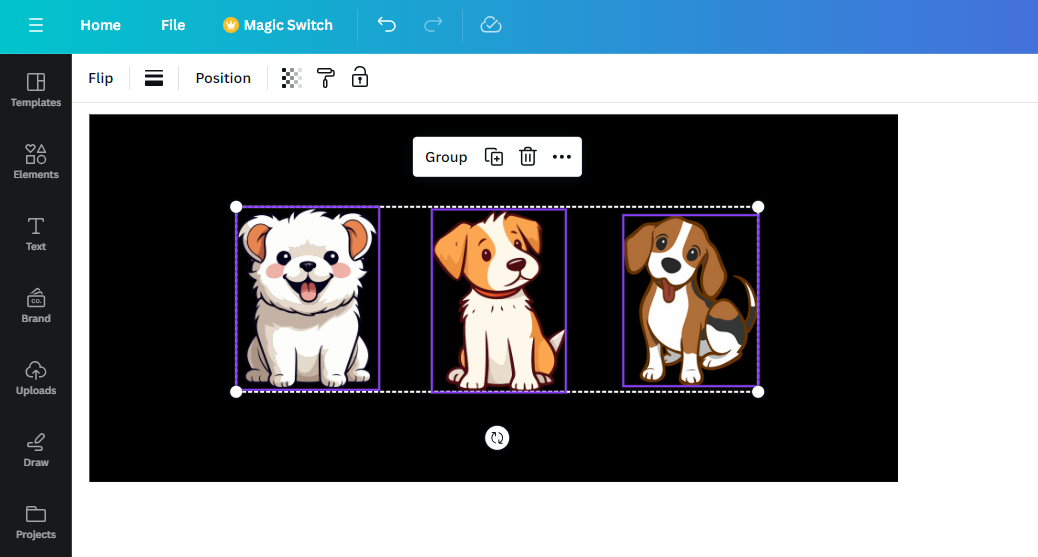
- If you notice from the above image, we have selected elements without interfering with the background.
Wrapping Up
Congratulations on learning how to select all elements in Canva!
We suggest using the approach that involves the use of the Shift key over others for its flexibility and ability to select specific elements while dealing with designs that feature multiple layers.
Related Reading
How To Create Cartoon Effect in Canva