 Pttrns
Canva is one of the best online design tools, and arguably, most prefer it for its wide collection of free templates and elements alongside the features and tools. In this guide, we will use Canva’s free templates to our advantage and build a CV with ease.
Build CV on Canva
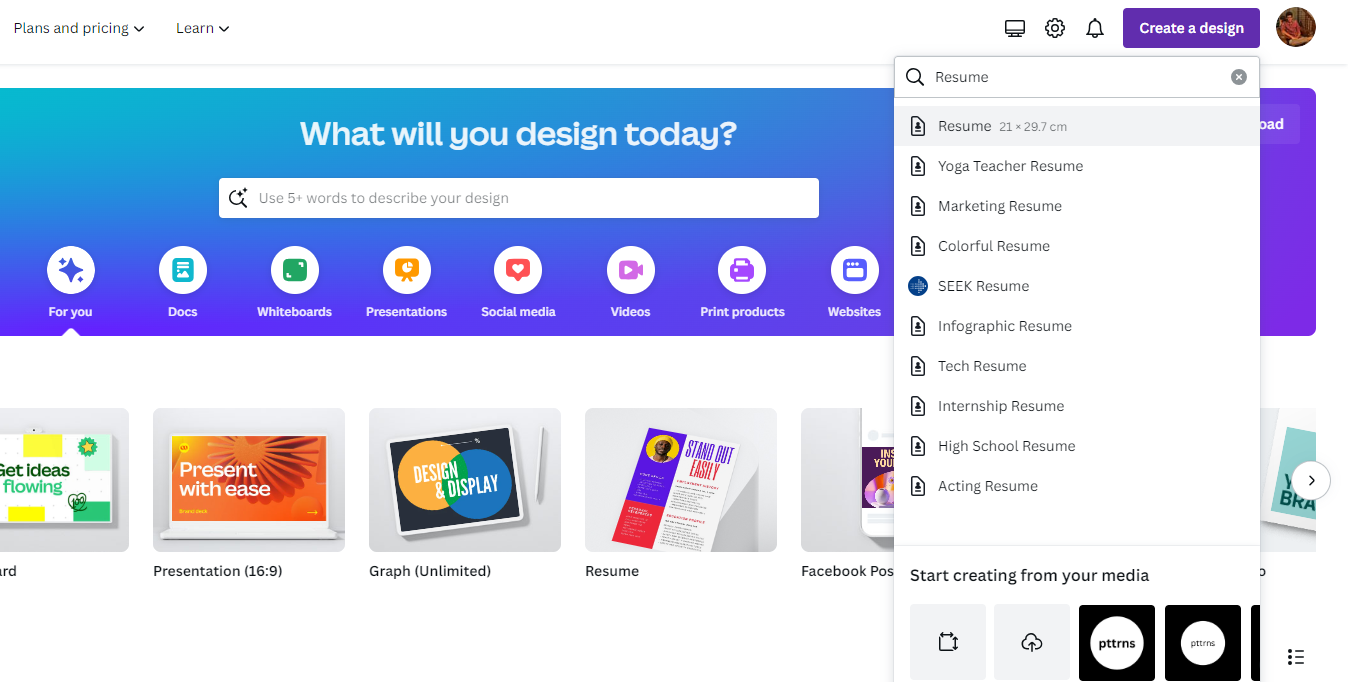
- Start by navigating to Canva and sign in with your credentials. Now get started by clicking on the Create a design button and selecting Resume by searching for it in the search box.
- By doing so, Canva creates a new design for you. We suggest you wait for it to load so that you can access all options without issues. Once loaded, navigate to the Editor panel and click on Design to gain access to Resume/CV templates.
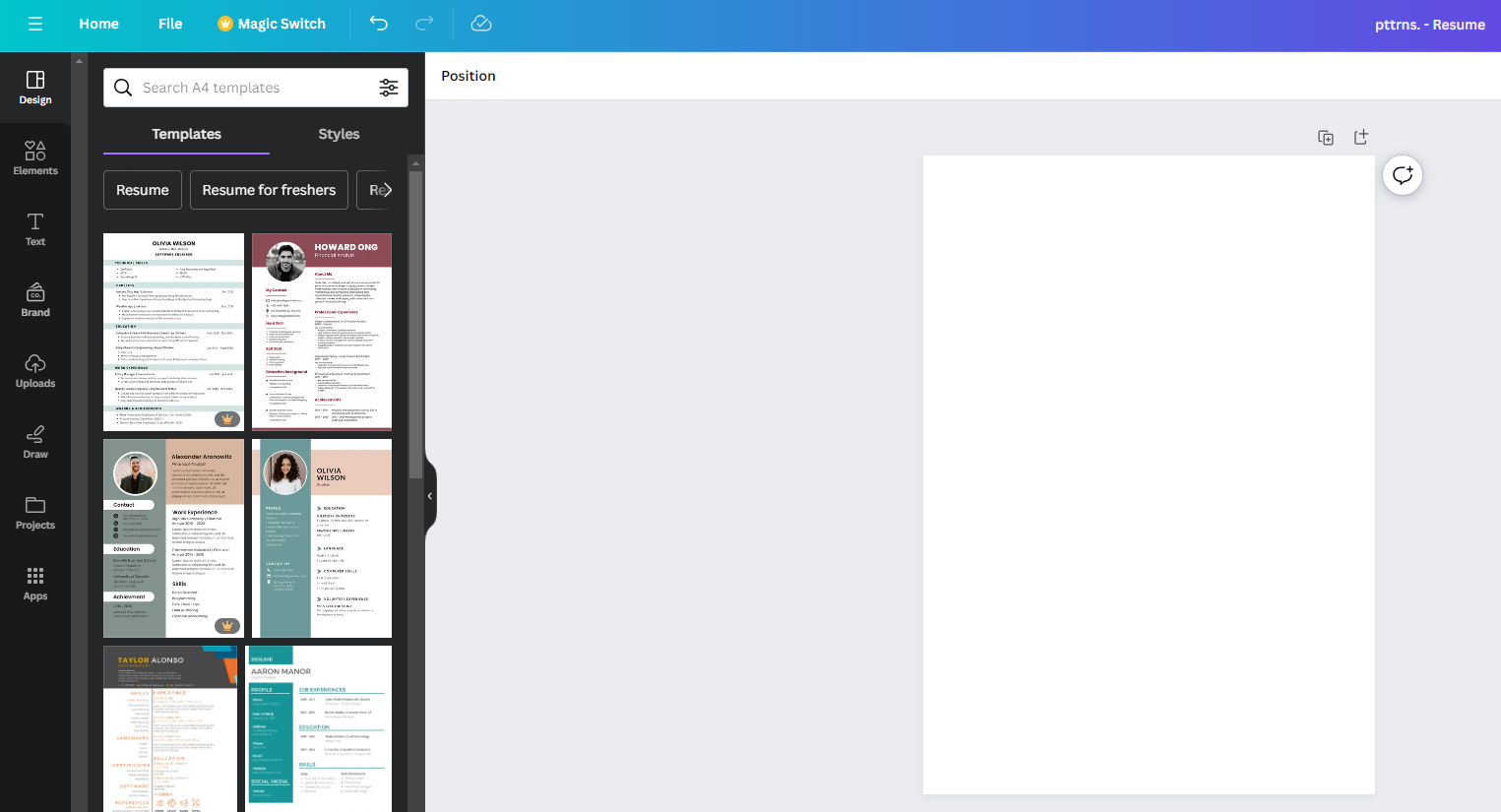
Note: If you don’t find the one that fits your requirements, use the search box associated with the Design and be specific while searching. For demonstration, we have searched – Resume for Chef and here are the results:
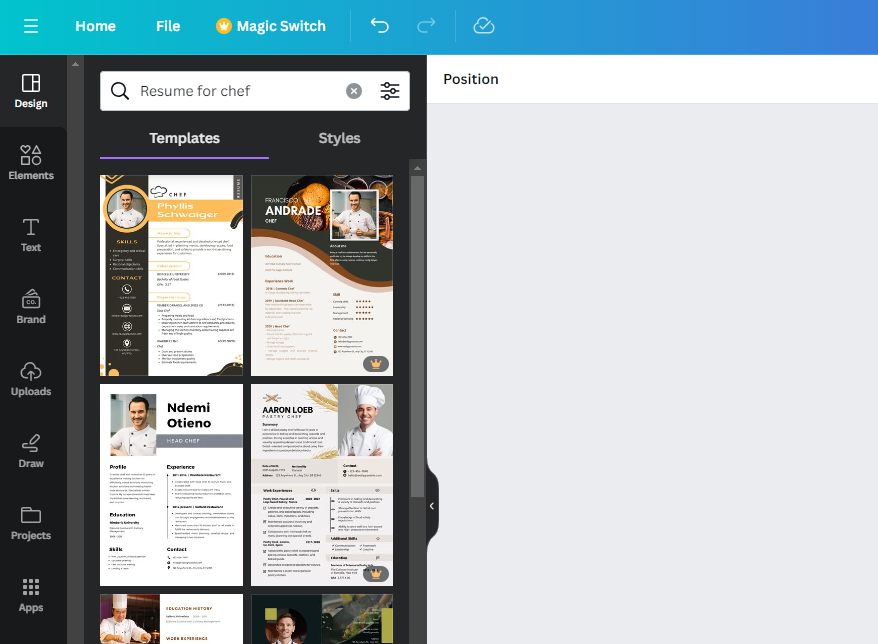
- After you find the Resume/CV template that matches your requirements, click on it to add it to the design. Once added, make necessary changes and ensure you make no mistakes while editing and entering your details.
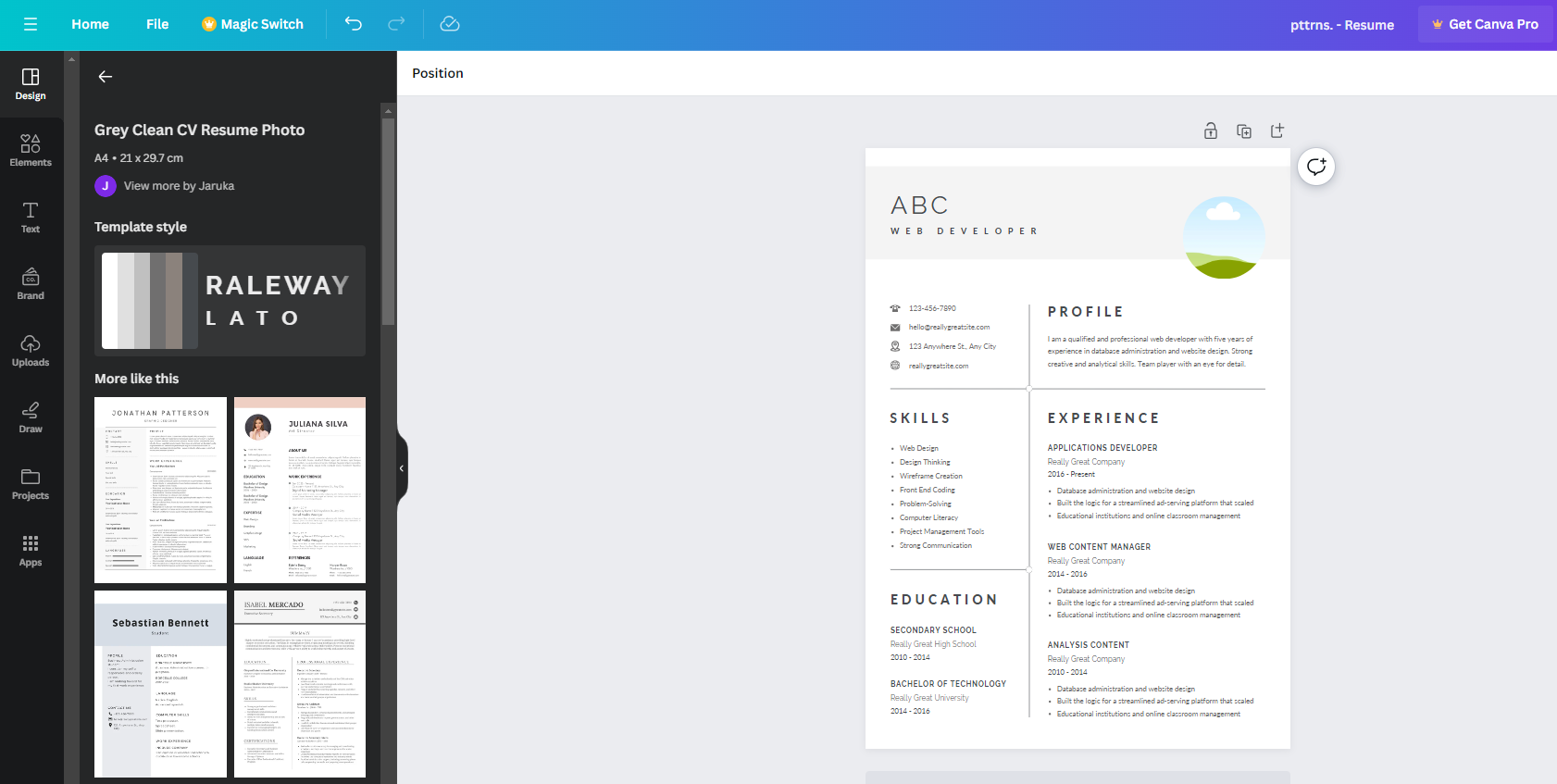
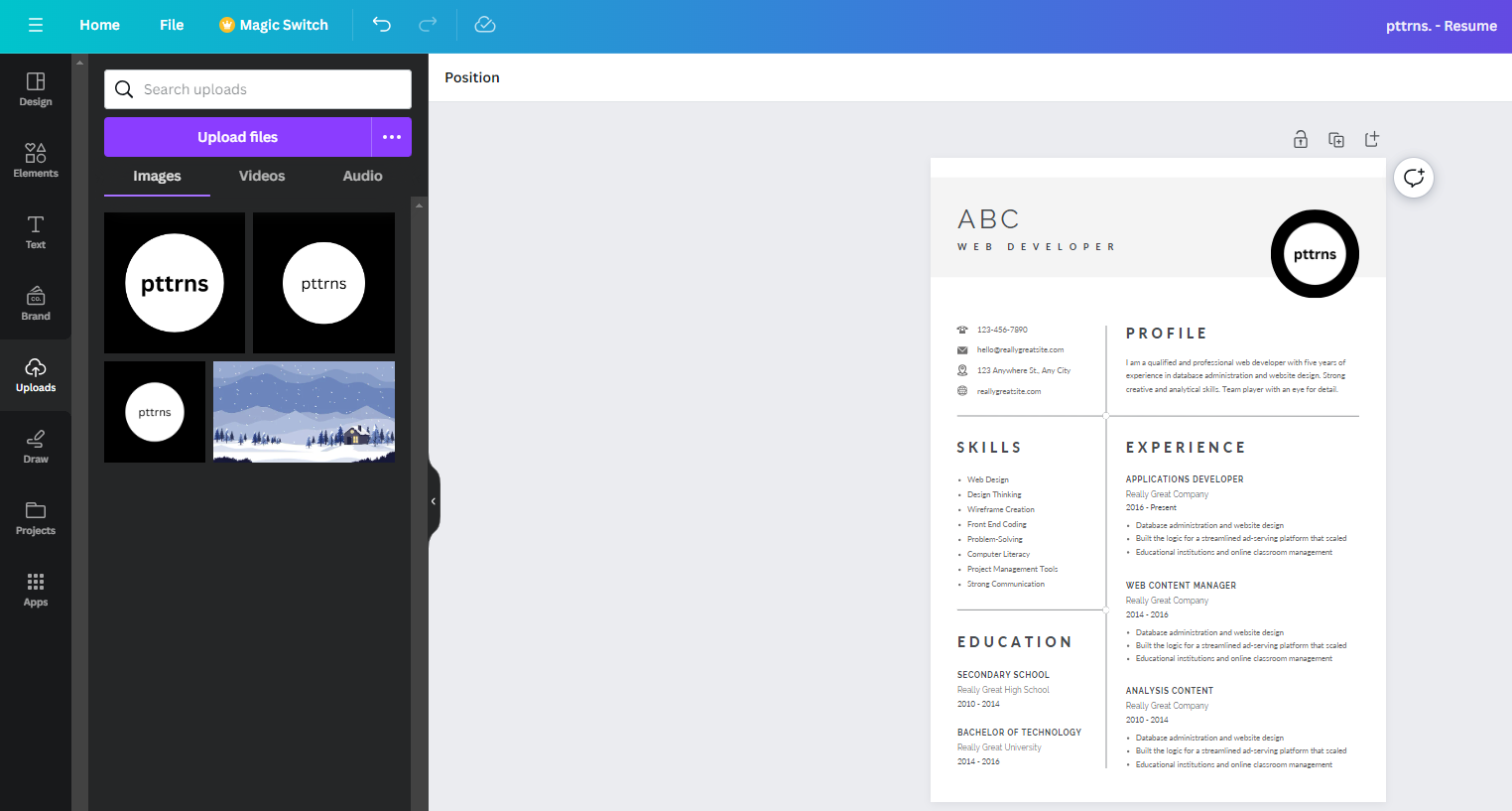
- If your template features an image, delete it and replace it with yours by navigating to the Uploads from the Editor panel and clicking on an image. If you haven’t uploaded anything, do it by clicking on the Upload files button.
- Once you’re happy with the CV you have built, navigate to the Share button present at the top right corner and click on it. Now, click on Download from the options displayed.
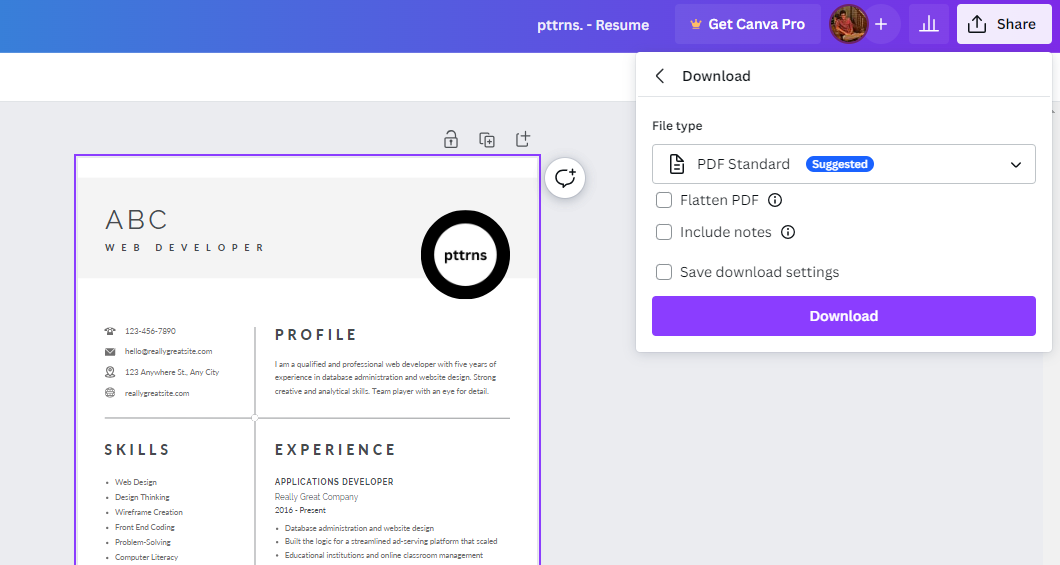
- With the download options displayed, change the File type to PDF Standard and click on the Download button. However, if you’re trying to print it, set it as PDF Print.
Wrapping Up
Congratulations on building a CV/Resume on Canva!
While Canva offers you complete flexibility with customization and is arguably one of the best software for building a CV, you might find it behind with the templates it provides.
As an alternative, we suggest checking out dedicated Online CV builders like Resume.io, as they feature up-to-date resume templates that most recruiters and companies prefer.