 Pttrns
Learning how to type a text with superscripts and subscripts is important as it enhances communication and represents technical, scientific, and academic contexts accurately. Despite its usefulness, Canva lacks a built-in tool for this purpose.
However, worry not, as there is a way around this through the text generators. If it doesn’t work well for you, we have also included an approach that involves manually arranging text to mimic superscripts and subscripts in Canva.
What we cover
Type Superscripts and Subscripts using Text Generators
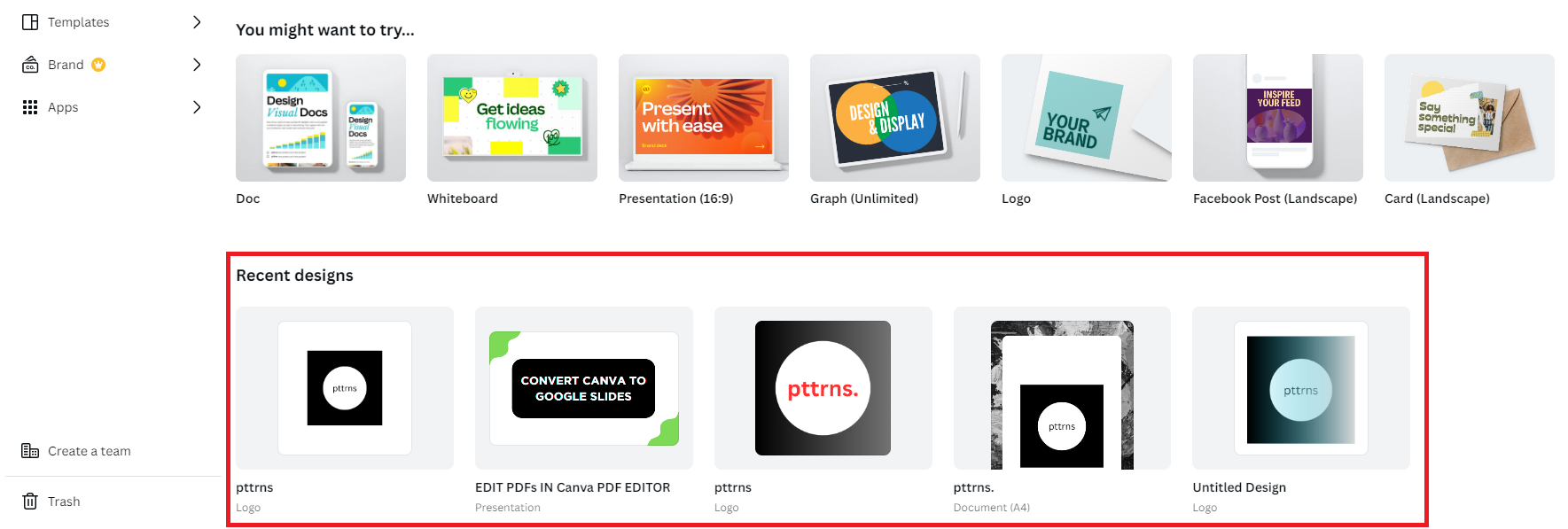
- Start by opening the project you’re working on from the Recent designs on the Canva home screen. If you haven’t started with any, click on the Create a design button at the top right corner and select any design.
- After the design is loaded, open Subscript and Superscript Generator and enter the text in the input box like below.
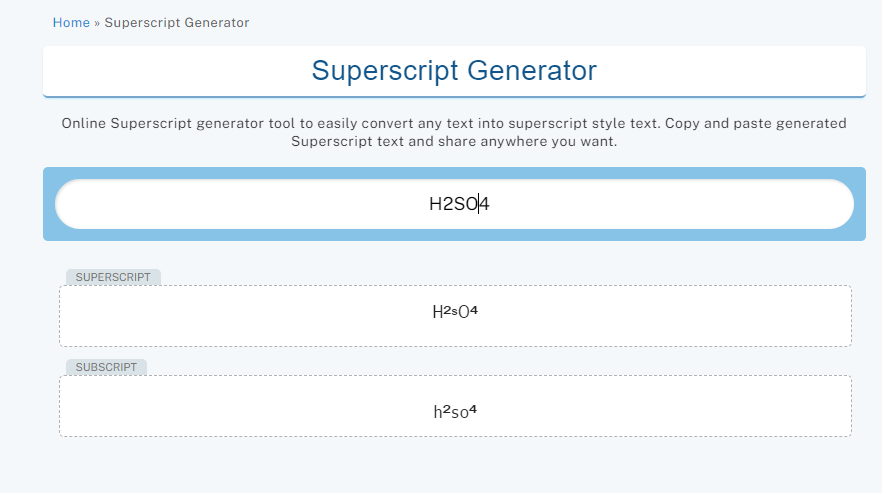
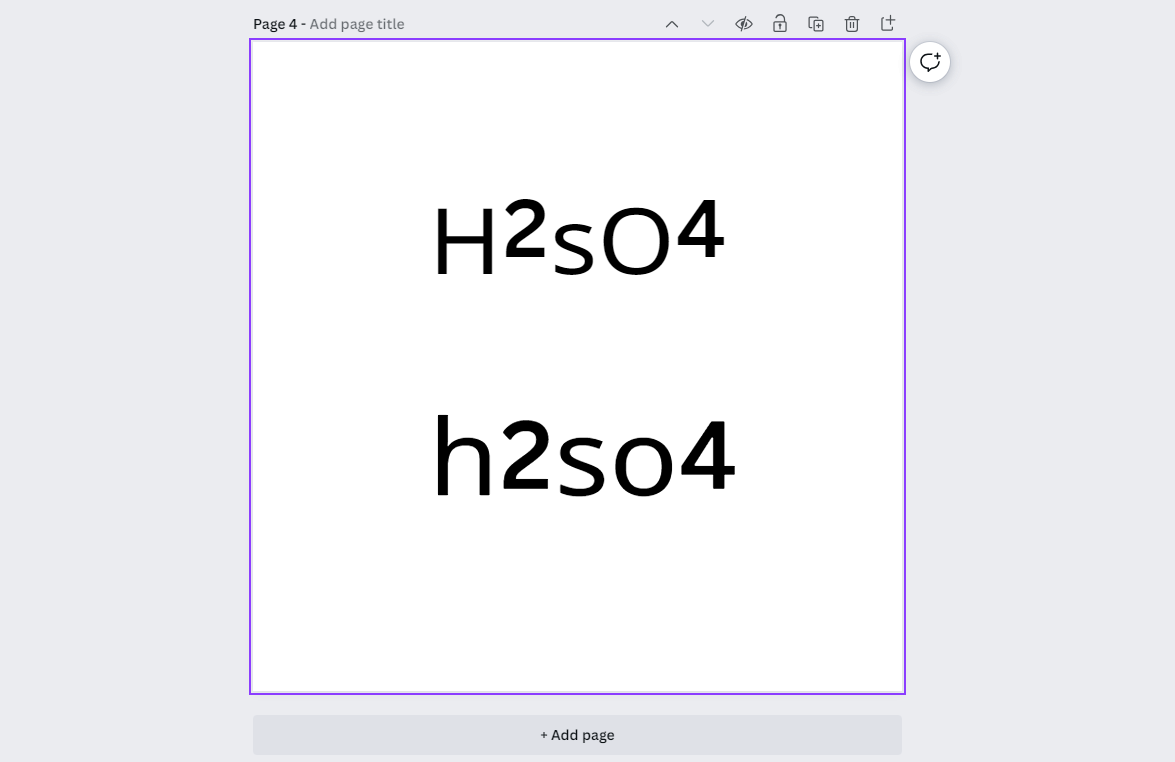
- After the results are generated, click on them to copy the Superscript/Subscript text. Now, paste the copied text to Canva, and here are the results:
Manually Type Superscripts and Subscripts
While the above approach works, it lacks accuracy and flexibility. For instance, the chemical formula for sulfuric acid is generated incorrectly. In such a scenario, placing the text manually can mimic superscripts and subscripts in Canva.
Confused? Here are the steps for it:
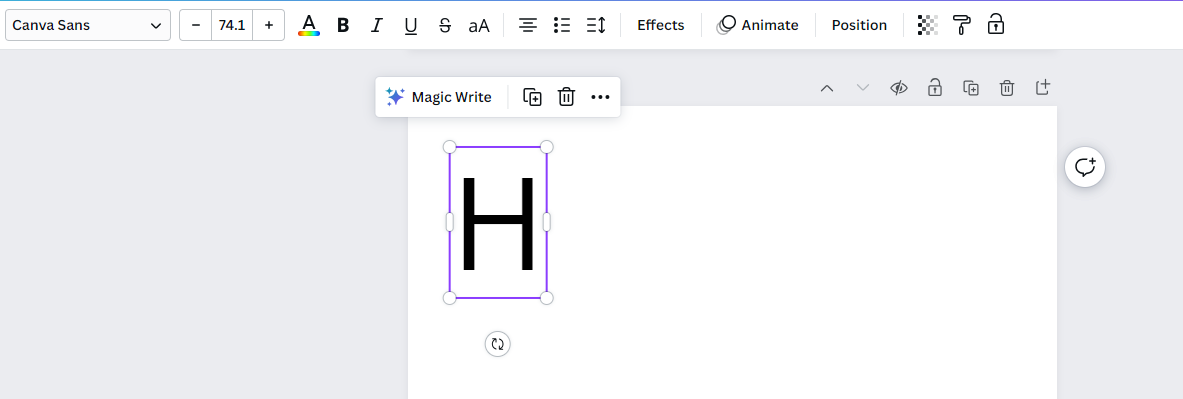
- Start by pressing T to add a text box to the design and type individual characters like the one below.
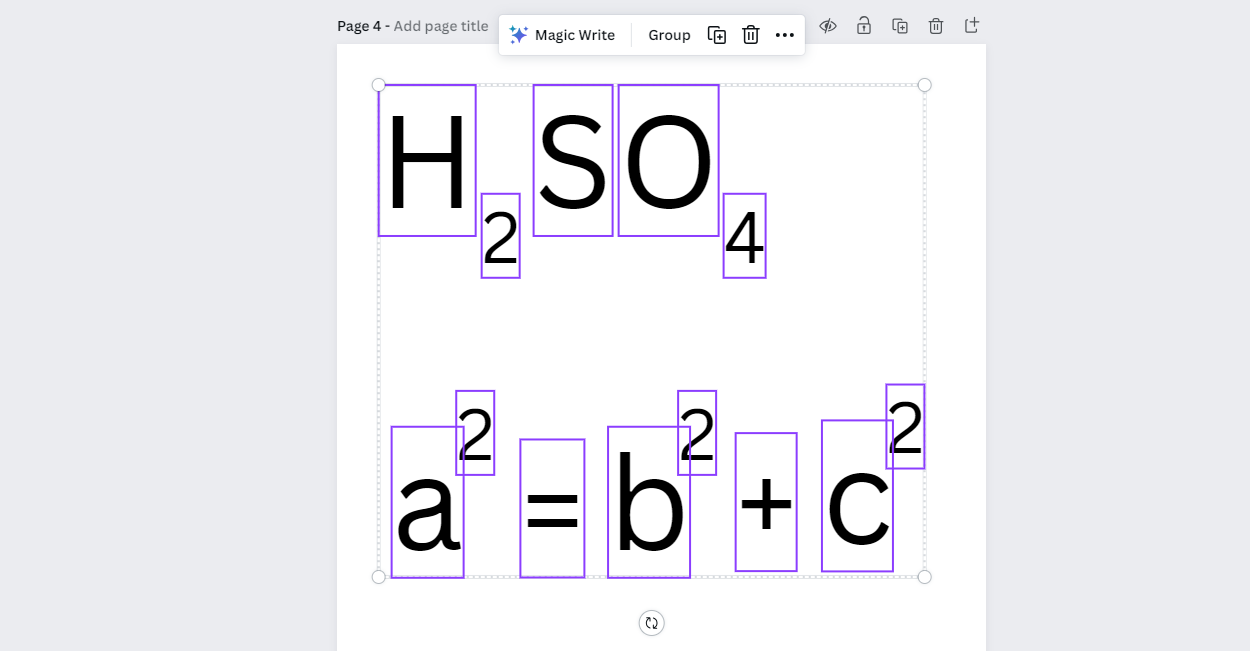
- Now, place the remaining characters of the text by duplicating or creating new text boxes to mimic superscripts and subscripts. Refer to the image below for better understanding.
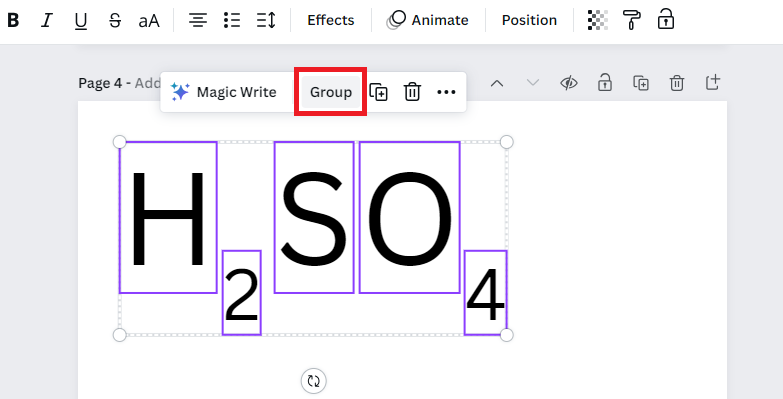
- Once you’re happy with the result, select all text boxes and click on Group. By doing so, you can include it anywhere in the design and gain the flexibility to change its size if needed.
Wrapping Up
Congratulations on learning how to type superscripts and subscripts in Canva!
While both approaches work, we suggest you go with the one that involves manually placing characters in the text. If you’re not happy with either, use a text editor like Word to type superscripts and subscripts and capture the text to add it to Canva as an image.
Related Reading
How To Insert Equations in Canva
How To Make Vertical Text in Canva